How to Set Up IPTV Smarters Pro (Step-by-Step Guide)
How to Set Up IPTV Smarters Pro (Step-by-Step Guide 2026)
Want to watch live TV, movies, and series on your device? In this guide, you’ll learn how to set up IPTV Smarters Pro on Firestick, Android TV, and more.Visit Full Guide
Step 1: Install IPTV Smarters Pro
Before starting, install IPTV Smarters Pro on your device.
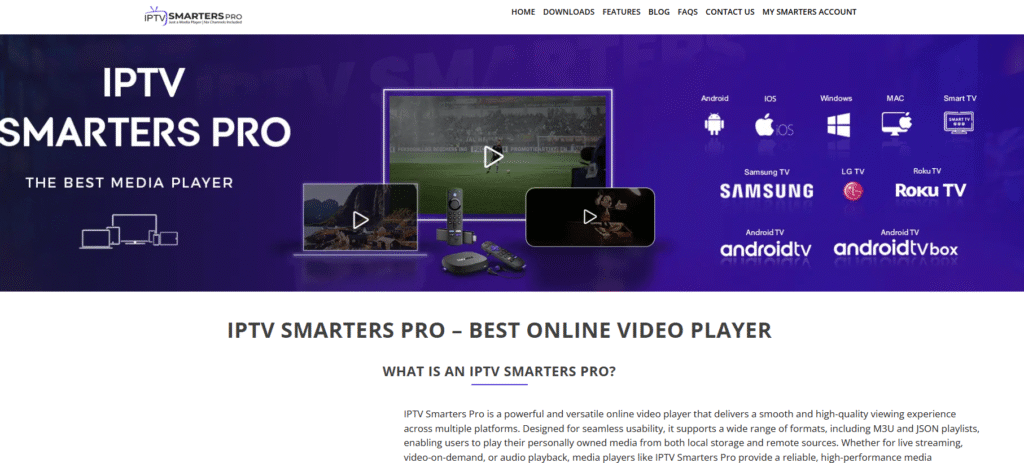
- Android TV: Download from Play Store
- Firestick: Install using Downloader
- APK: Use trusted sources only
Step 2: Accept Terms
Open the app and accept the terms and permissions to continue.
Step 3: Choose Login Method
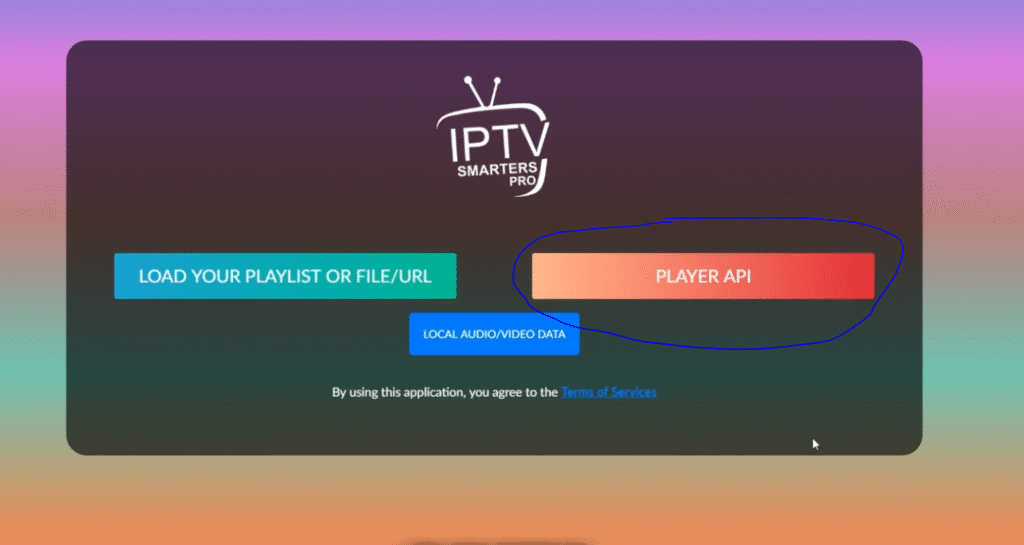
Select one of the following options:
- Login with Xtream Codes API
- Load M3U Playlist
Step 4: Login with Xtream Codes
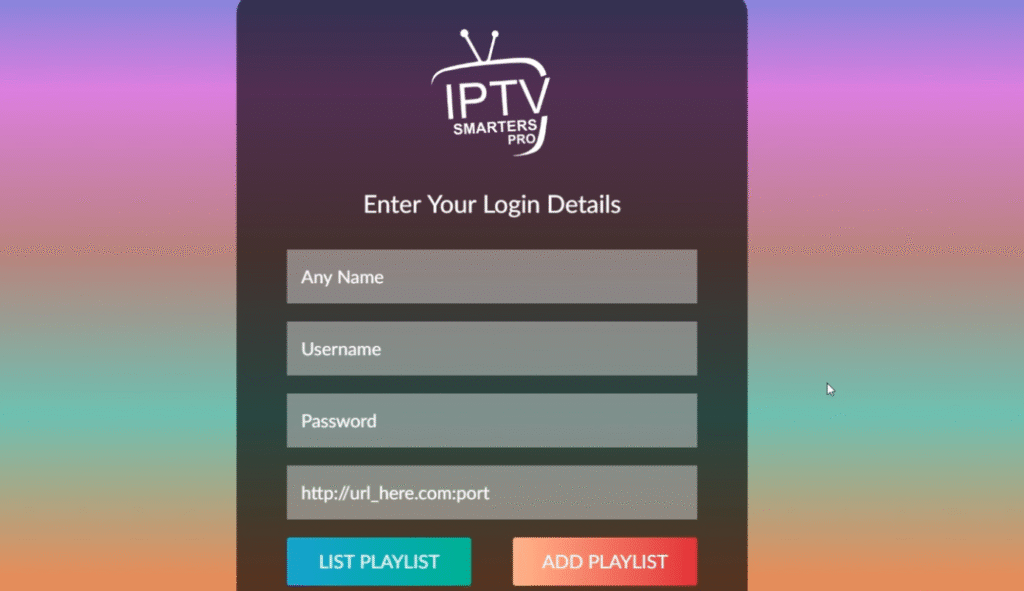
Enter your login details:
- Server URL
- Username
- Password
Click Login and wait for channels to load.
Step 5: Add M3U Playlist
If you have an M3U link:
- Paste your playlist URL
- Click Add
Your channels will load automatically.
Step 6: Start Watching
Once loaded, you can enjoy:
- Live TV
- Movies
- Series
- TV Guide (EPG)
Step 7: Customize Settings
Improve your experience by:
- Enabling EPG
- Adjusting player settings
- Organizing channels
Important Tips:
- Never share your login details
- Use trusted IPTV providers only
- Avoid unknown cheap services
Troubleshooting
- Check login details
- Restart the app
- Log out and log back in
- Contact provider support
Conclusion
Setting up IPTV Smarters Pro is simple and takes just a few minutes. Follow this guide to start streaming .Go to Website
Leave a Reply